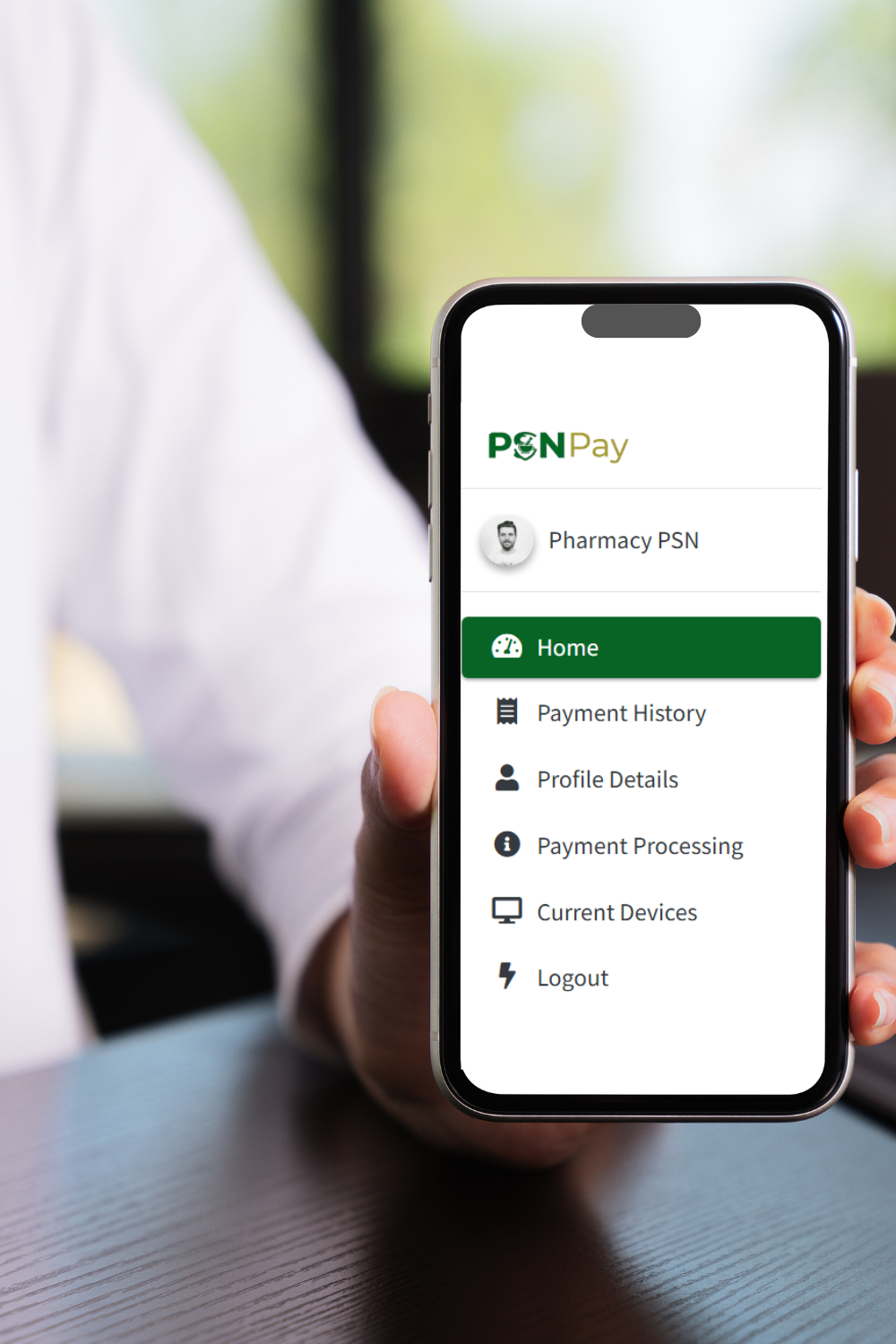
About PSN Pay

PSN Pay is the official digital payment platform created by the Pharmaceutical Society of Nigeria (PSN) to make payments easier for pharmacists across the country.
With PSN Pay, members can pay their annual dues and complete other approved PSN payments securely—without stress, delays, or confusion.
PSN Pay provides one trusted platform where pharmacists can manage dues and PSN-related transactions with confidence and ease. Every payment is properly recorded, transparent, and easy to track.
The platform is designed to be simple to use, safe, and reliable. Whether you’re paying from your phone or computer, PSN Pay gives you a smooth, consistent and reliable experience across all PSN national and affiliated structures.
Everything you need, in one trusted platform.
Frequently Asked Questions
Using PSN Pay
-
How to Register on PSN Pay
Note: If you already have an account on the PSN Conference Registration site, you do not need to create a new account for PSN Pay. Simply log in using the same details.
- Open your browser and visit: www.psnpay.com.ng
- Click the “Get Started” button
- Select “Register”
- Fill in the registration form with your correct details
- Click Submit once you are done
- You will see a message confirming that your account has been created successfully
- Scroll down and click “Continue to Login”
- Choose a payment method and follow the instructions.
- Once payment is successful, you will receive instant confirmation.
- On the login page:
- Enter your email address
- Use your surname (in lowercase letters) as your default password
- Once logged in, scroll down and click “Pay / Track Dues” to view and make payments
-
How to Log In and Make a Payment
Note: If you already have an account on the PSN Conference Registration site, you do not need to create a new account for PSN Pay. Simply log in using the same details.
Option 1: From the PSN Pay Website
- Open your browser and visit: www.psnpay.com.ng
- Click the menu icon (☰) on the page.
- Select “Login” or “Pay Now.”
- Enter your email address and password.
- By default, your password is your surname.
- You can change this after logging in.
- From your dashboard, select the payment(s) you want to make.
- You may pay all your dues at once or pay them gradually.
- Click “Pay Now.”
- Review the Payment Summary Page, then click “Make Payment Now.”
- Choose a payment method and follow the instructions.
- Once payment is successful, you will receive instant confirmation.
After payment:- A confirmation email will be sent to you.
- Your receipt will be available for download or printing 20 minutes later under the “Payment History” tab in your account.
Option 2: From the PSN Conference Registration Website
- Open your browser and visit: www.psnconference.com.ng
- Click the menu icon (☰) on the homepage.
- Select “Registration”
- Click “Already Registered? Login.”
- If you already have an account, enter your email and password.
- If not, click “Create Account” and complete the registration.
- After logging in, click “Pay/Track Dues.”
- This will take you to your PSN Pay dashboard.
- Select the payment(s) you want to make
- Click “Pay Now.”
- 8.Review the payment details and click “Make Payment Now.”
- Select a payment method and complete the process.
- You will receive instant confirmation once payment is successful.
After payment:- A confirmation email will be sent to you.
- Your receipt will be available for download or printing 20 minutes later under the “Payment History” tab in your account.
-
How to View Payment History or Print Your Receipt
Note: Your receipt will be available for download or printing 20 minutes after payment.
- Log in to your PSN Pay account.
- Click the menu icon (☰).
- Select “Payment History.”
- To see payment details, print or download receipt, click “print/download"
-
What Are Gateway and Processing Fees?
Gateway Fee:
A 1.4% fee charged by the payment service provider each time you make a payment. If you pay in parts, the fee applies to each payment.Processing Fee:
A fixed ₦900 fee charged once per payment to cover administrative, compliance, and platform services.Why this matters:
These fees help keep PSN Pay secure, reliable, and available for members, while ensuring accurate records and smooth payment processing.
Need More Help?
You can also watch the step-by-step video guides below and follow the on-screen instructions.
Watch VideoGeneral
-
What is PSN Pay?
PSN Pay is the official digital payment platform of the Pharmaceutical Society of Nigeria (PSN), designed to handle dues, registrations, and other approved payments securely.
-
Do I need to create a new account for PSN Pay?
No. If you already have an account on the PSN Conference Registration Portal, you can use the same login details on PSN Pay.
-
What can I pay for on PSN Pay?
You can pay for annual dues, technical and interest group dues, and manage conference registrations and other approved PSN payments.
-
Is PSN Pay secure?
Yes. PSN Pay uses secure, industry-standard payment systems to ensure your transactions and personal information are protected.
-
Can I update my personal details on PSN Pay?
Yes. Users can update their profile details such as name, email address, state, category, and other relevant information.
-
Will I receive confirmation after payment?
Yes. Once your payment is successful, you will receive an instant confirmation and can view your transaction history on your dashboard.
-
Who do I contact if I need help?
You can reach our support team via WhatsApp or email using the contact details provided on the website.
 Chat with Support